
 Legatets formål
At fremme udviklingen af selvstændige og ansvarlige unge mennesker, som aktivt bidrager til at styrke fællesskaber, stimulere erhvervslivet, og forbedre livskvaliteten i lokalsamfundet Hillerød.
 Hvem kan indstilles
At fremme udviklingen af selvstændige og ansvarlige unge mennesker, som aktivt bidrager til at styrke fællesskaber, stimulere erhvervslivet, og forbedre livskvaliteten i lokalsamfundet Hillerød.
 Legatets størrelse
At fremme udviklingen af selvstændige og ansvarlige unge mennesker, som aktivt bidrager til at styrke fællesskaber, stimulere erhvervslivet, og forbedre livskvaliteten i lokalsamfundet Hillerød.
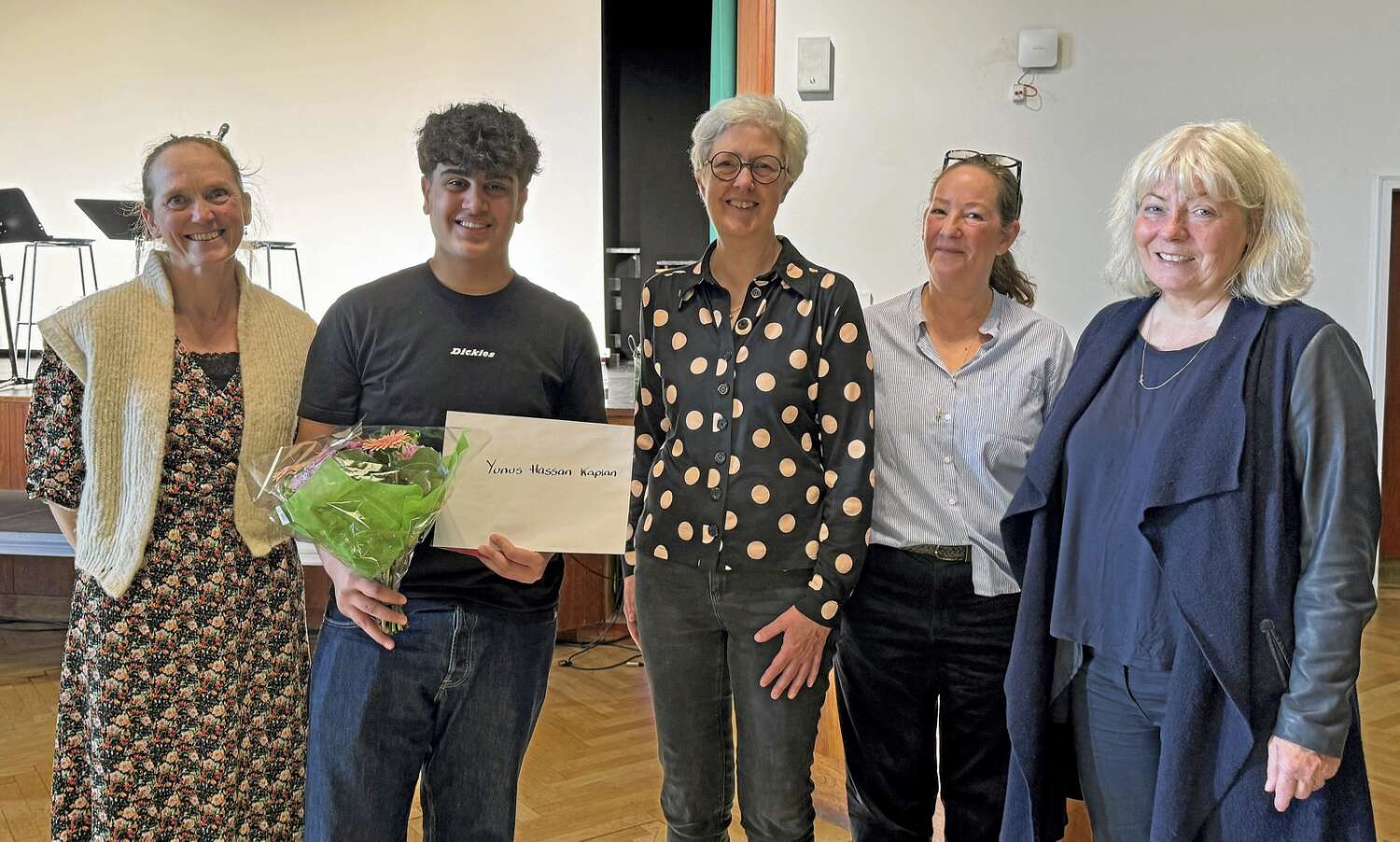
Tidligere modtagere af
Laura Tiegten Legatet.

Blanche Pearson
For projektet Enebær-hytten der støtter udsatte unge i Gadevang.
Blanche Pearson
For projektet Enebær-hytten der støtter udsatte unge i Gadevang.
Blanche Pearson
For projektet Enebær-hytten der støtter udsatte unge i Gadevang.
Blanche Pearson
For projektet Enebær-hytten der støtter udsatte unge i Gadevang.
Blanche Pearson
For projektet Enebær-hytten der støtter udsatte unge i Gadevang.
Blanche Pearson
For projektet Enebær-hytten der støtter udsatte unge i Gadevang.Blanche Pearson
For projektet Enebær-hytten der støtter udsatte unge i Gadevang.Laura Tietgen og Gadevang Asyl
Laura Tietgen (1835) var en væsentlig figur i Gadevang, kendt for sit sociale engagement, især over for børn. Sammen med sin mand, den fremtrædende erhvervsmand C. F. Tietgen, grundlagde hun Gadevang Asyl i 1892 og oprettede i 1915 et legat til økonomisk støtte for asylet. Dette legat, Laura Tietgen Legatet, anerkender personer, der gør en forskel. I 1892 bidrog parret og andre til opførelsen af asylet, hvor børn fra 2 til 7 år kunne blive passet for en symbolsk sum, og måtte medbringe frokost, men fik daglig varm mælk.
Læs hele historien →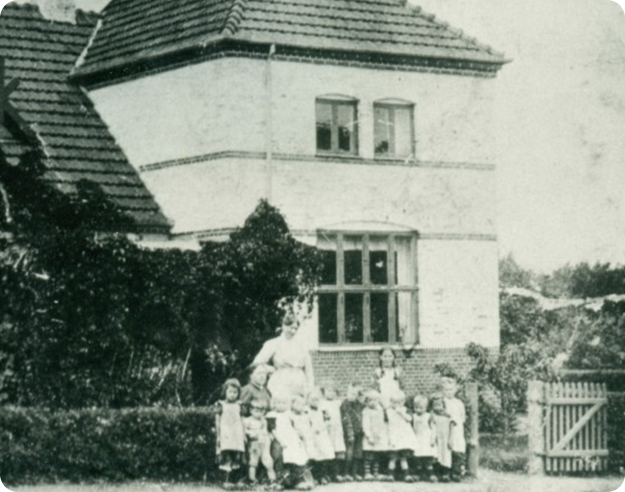
Find svar
Kan du ikke finde svar på dit spørgsmål, så kontakt os på
email adresse xx og vi vil svare hurtigst muligt
.accordion-body, though the transition does limit overflow..accordion-body, though the transition does limit overflow..accordion-body, though the transition does limit overflow..accordion-body, though the transition does limit overflow.